 EasyFy
Public Wi-Fi, without the login form.
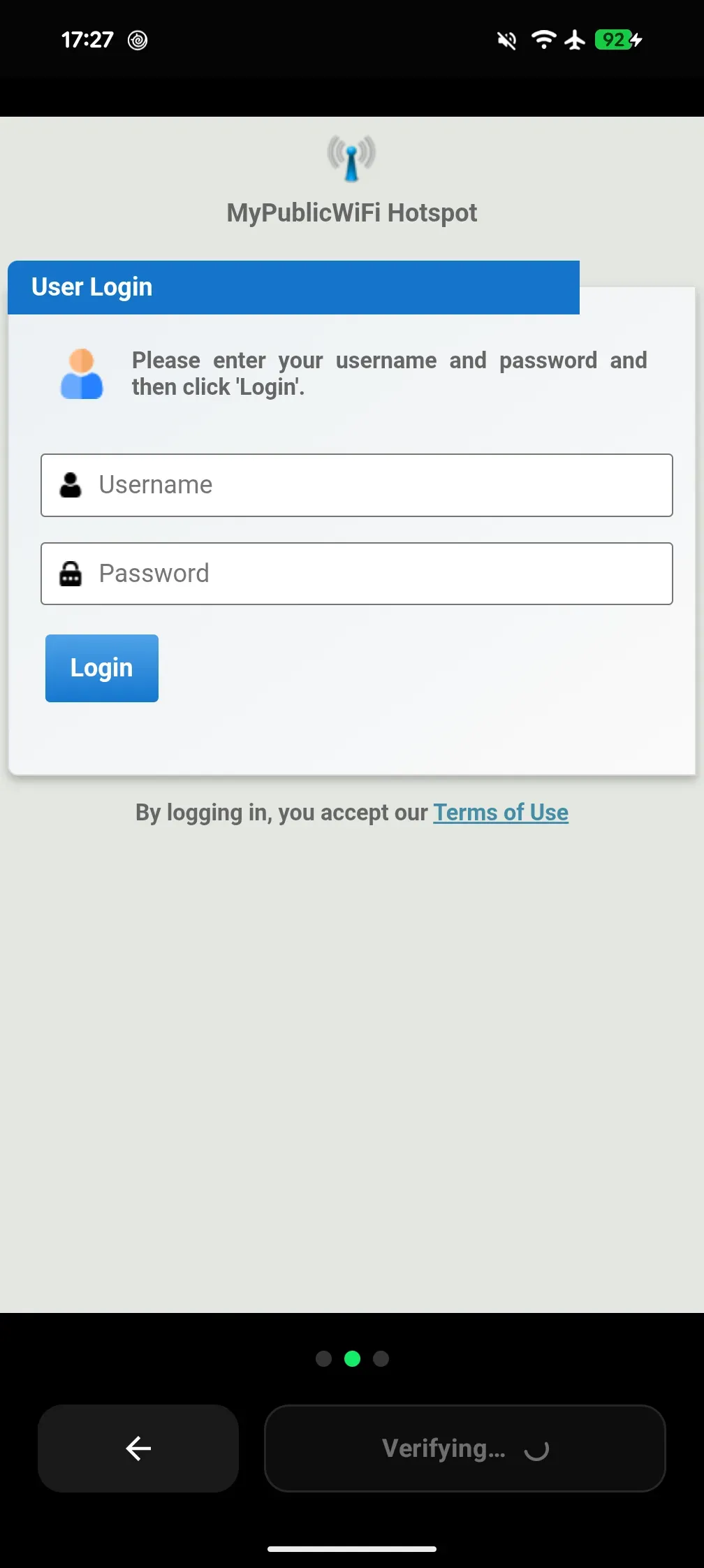
Log in once to a public captive portal: EasyFy remembers you and reconnects you automatically on future visits. In stations, hotels, and cafés, you never see the login form again.
What you get
One-time setup, then hands-free
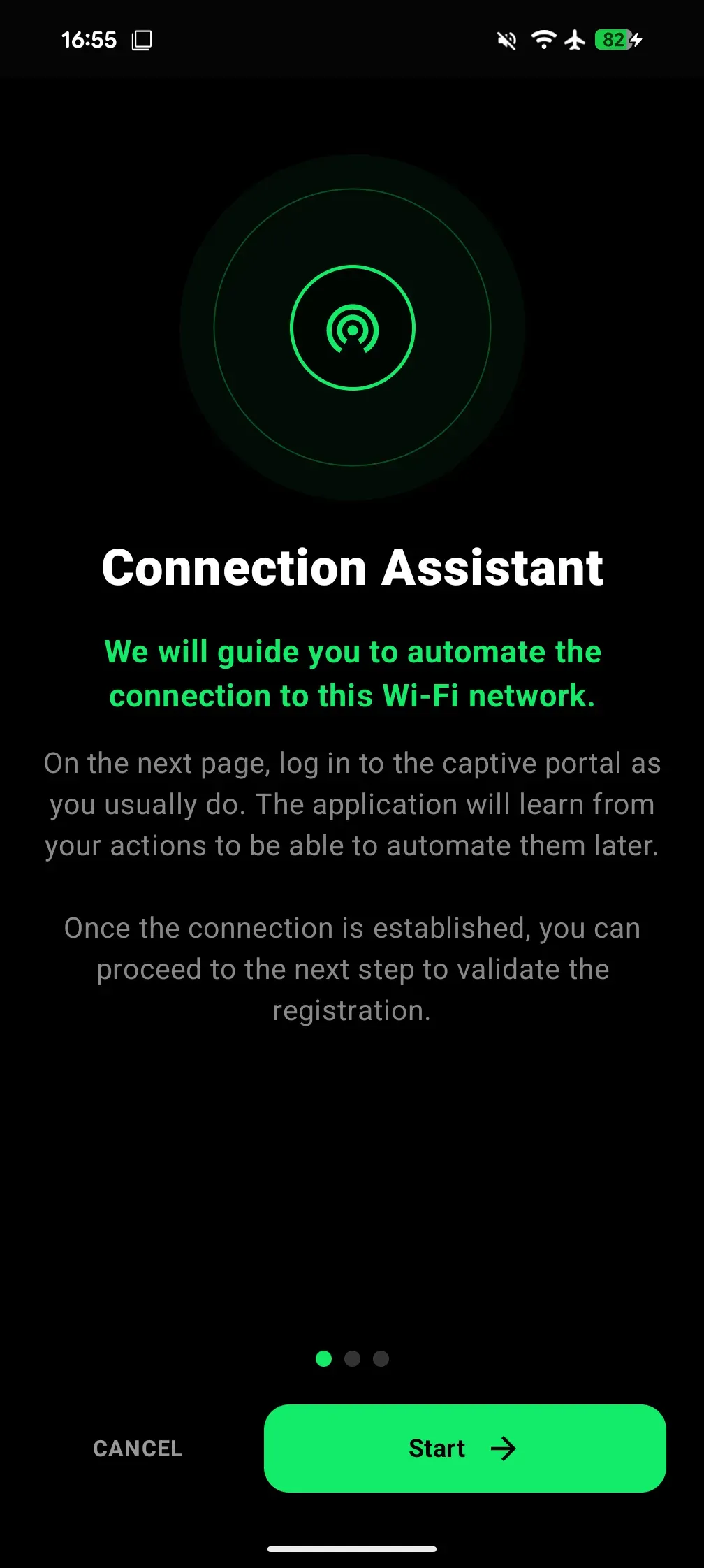
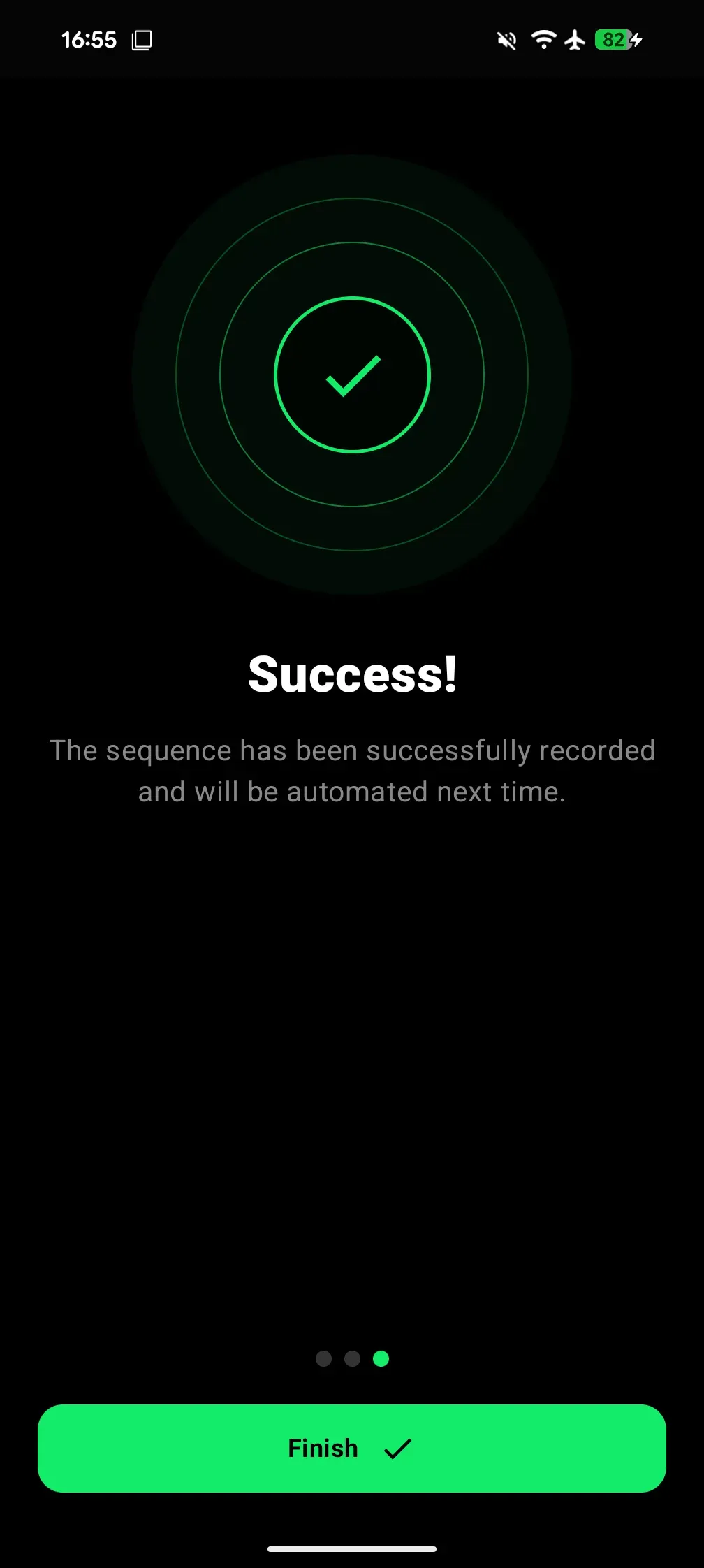
Configure your network once. Afterwards, EasyFy reconnects you automatically without even unlocking your phone.
Your credentials stay on your phone
No personal data is sent over the internet. Everything is stored locally on your device, and nowhere else.
Discreet and battery-friendly
EasyFy operates in the background with zero unnecessary wakeups and no battery drain.
Clear guidance when needed
If a setting prevents connection, EasyFy guides you step-by-step in clear, plain language.
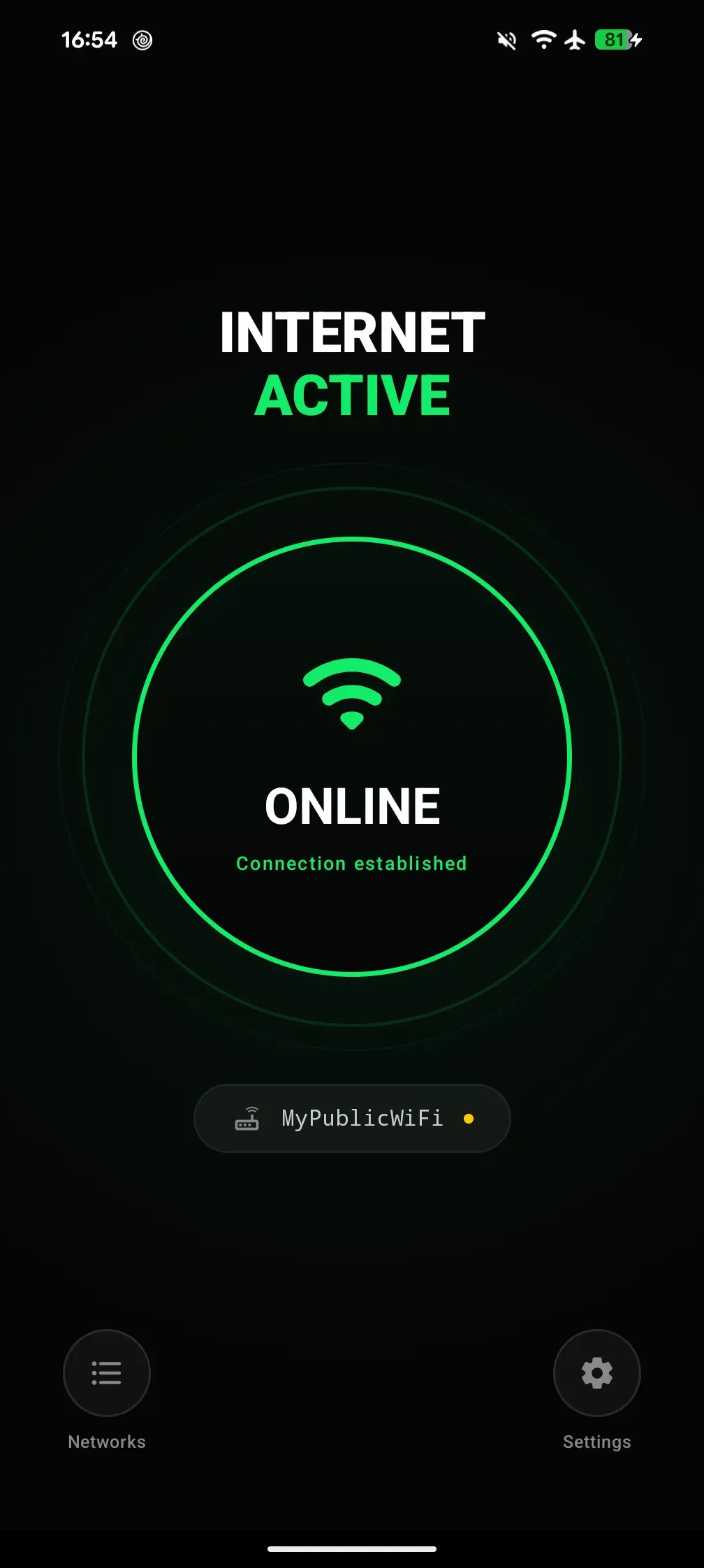
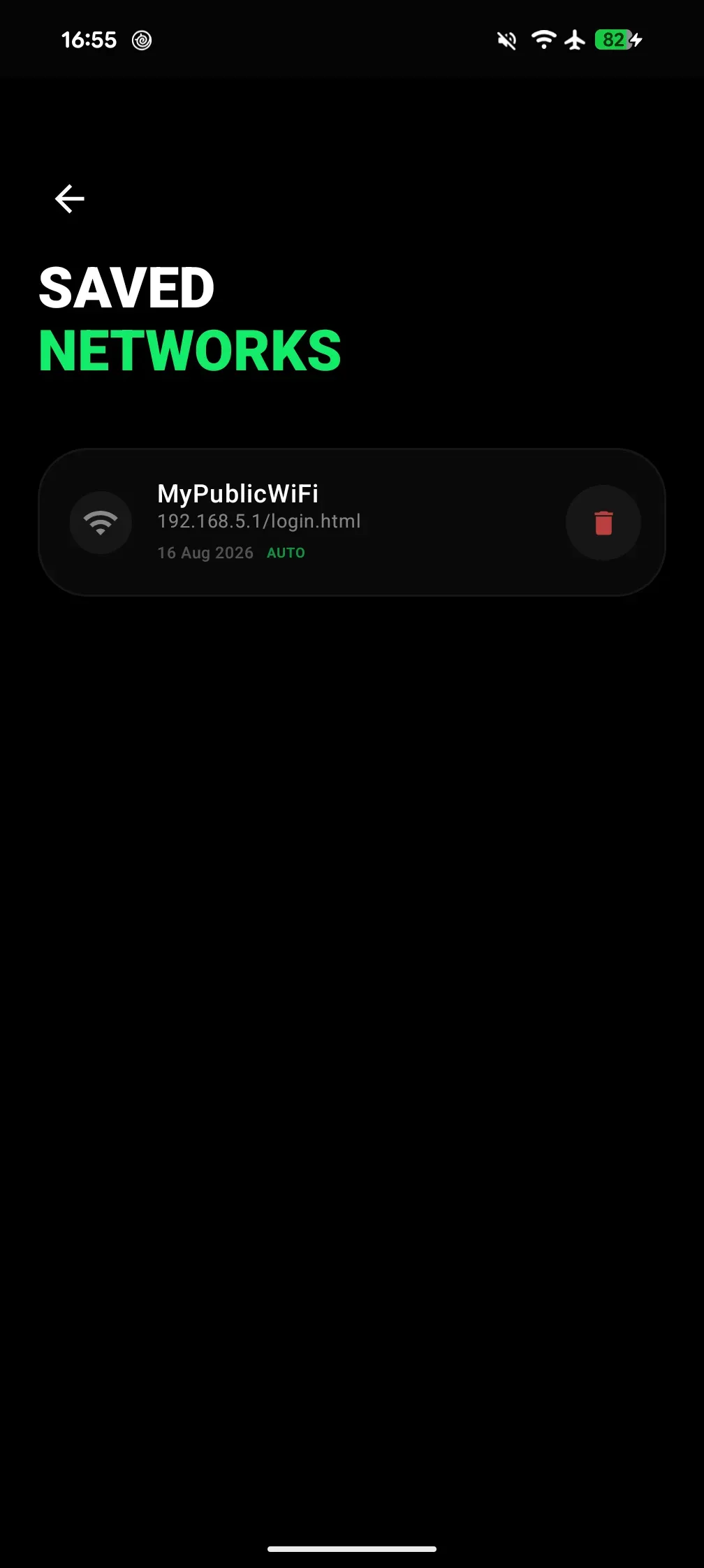
The app in action
Who is it for?
Travelers
In train stations, airports, and hotels, get connected before you even unpack your luggage.
Students
On campus or in the library, say goodbye to repetitive login portals after every break.
Remote workers & nomads
Hop between cafés and coworking spaces without ever thinking about Wi-Fi logins.
Frequently asked questions
Are my Wi-Fi passwords or credentials sent to any server?
No, never. Your credentials are encrypted and stored solely in your phone’s secure local storage.
How does the automatic reconnection work?
Once you configure a public network on your first visit, EasyFy detects the captive portal and automatically completes the login in the background.
Does the app drain my battery in the background?
EasyFy is optimized to only wake up when you connect to a saved public Wi-Fi network, with no noticeable battery impact.